March 21, 2026
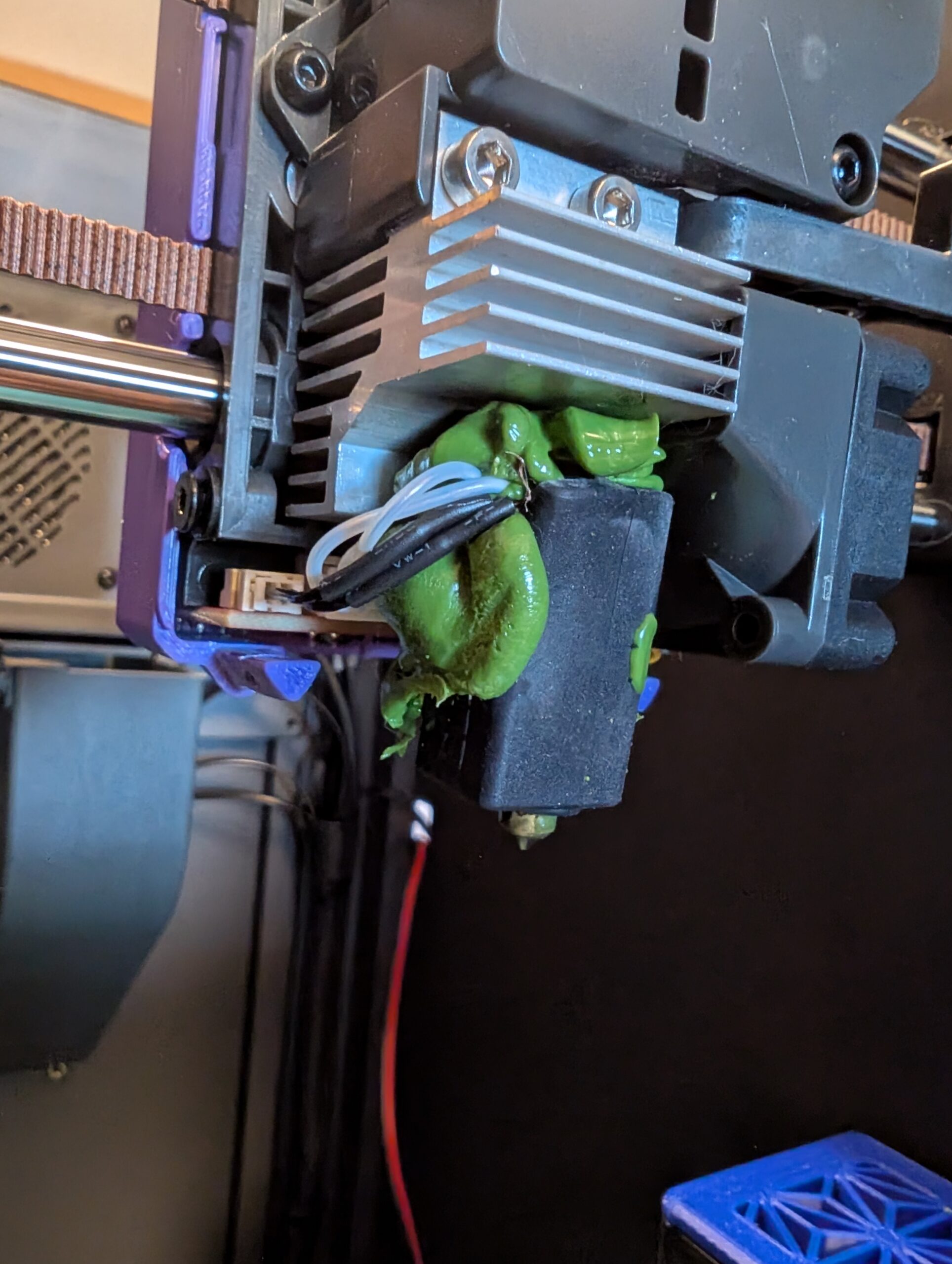
I’ve been 3D printing for over 15 years (ever since I started with the *original* MakerBot Cupcake, which was made of wood!). In all that time, I’ve never had the dreaded “blob of doom”. Well, that streak ended today on one of my Centauri Carbons. I wish I could blame the machine, but it all stemmed from user error (of course).
I was printing a deck box for someone, and I needed to find my “jungle Green” PLA filament. I scrambled around my shop and finally found some “jungle green” filament, and started the print, and walked away.
After setting up another machine, I looked at the printer and noticed it was moving, but I didn’t see anything on the plate. I went over there, and to my horror, it was dragging a small blob around. I quickly stopped it, and removed the blob, which thankfully hadn’t caused any damage.
After that, I started it again and I watched the first layer, and it was not sticking at all. I tried several more times, and each time, the first layer just wouldn’t adhere to the plate. I picked up the roll of filament and looked at it closer…. It was ASA!!!! The color was the same, but I was trying to print something meant for PLA in ASA… Argh… So, I found the “jungle green” PLA, swapped it in, and started the print.
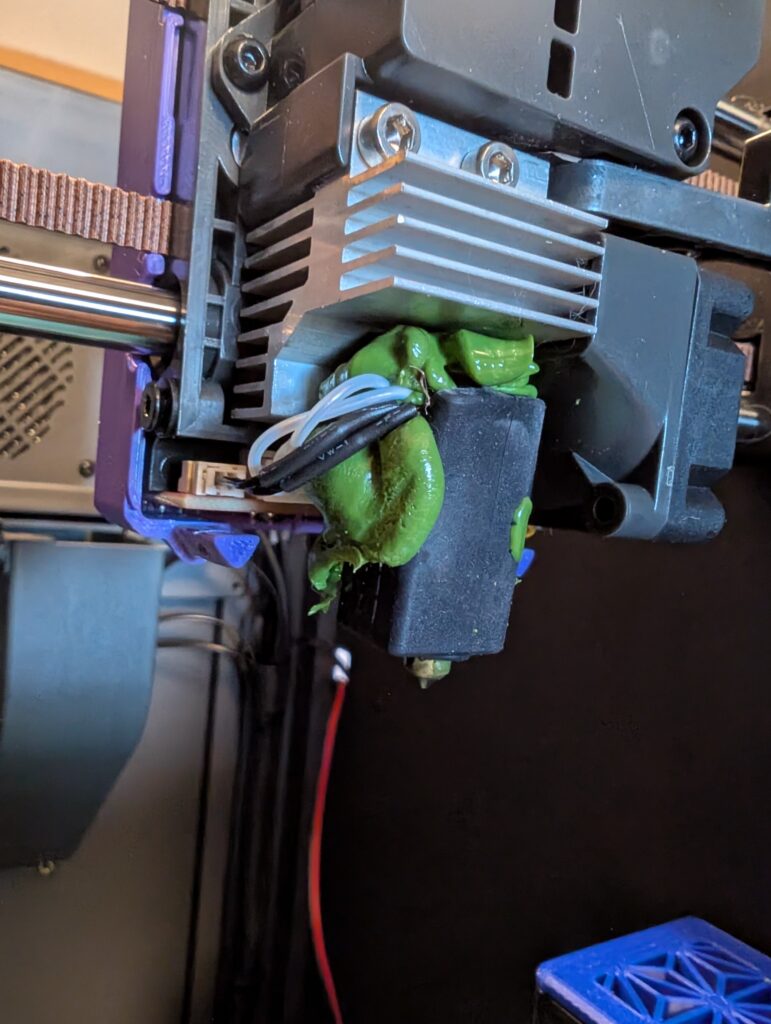
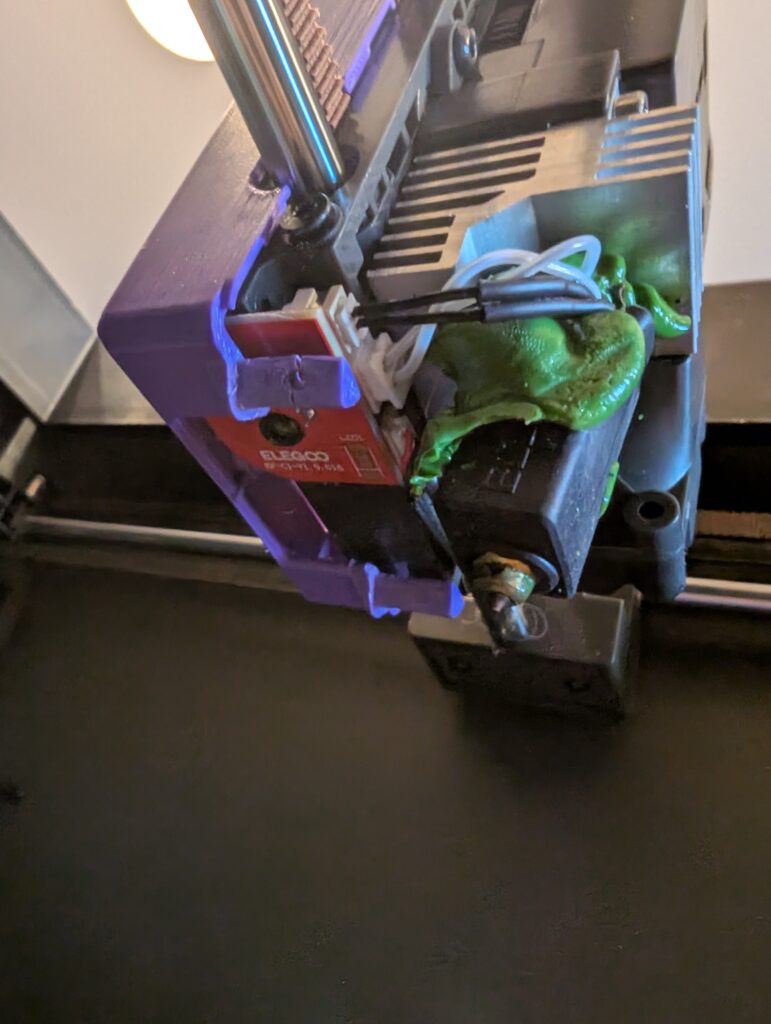
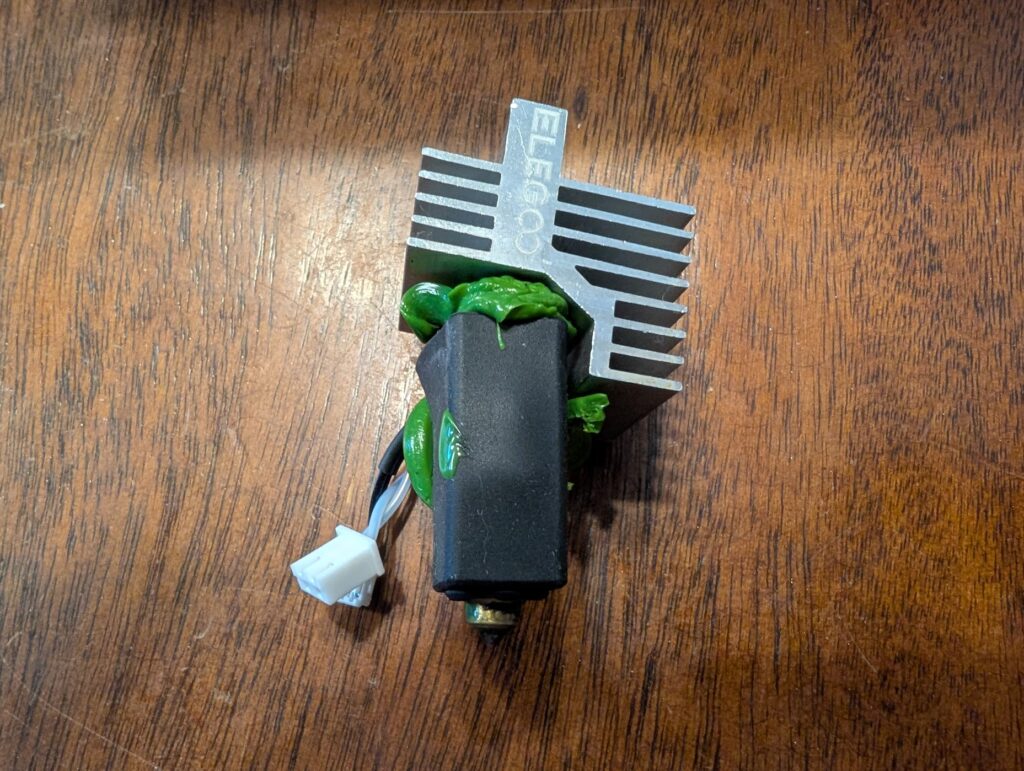
Again, it would not stick… I think it was because the ASA left some residue on the plate, so I swapped build plates and started again. After watching the first layer, I saw it was sticking and left the printer to do its thing. After about an hour or two, I checked on it, and… There was a blob of doom that was all over the printhead. It was quite large, and was climbing up the hotend. I cancelled the print and removed what I could. I couldn’t see any more, but I felt there was still something inside the back of the printhead. I shut it down, and let it sit until I could take it apart.
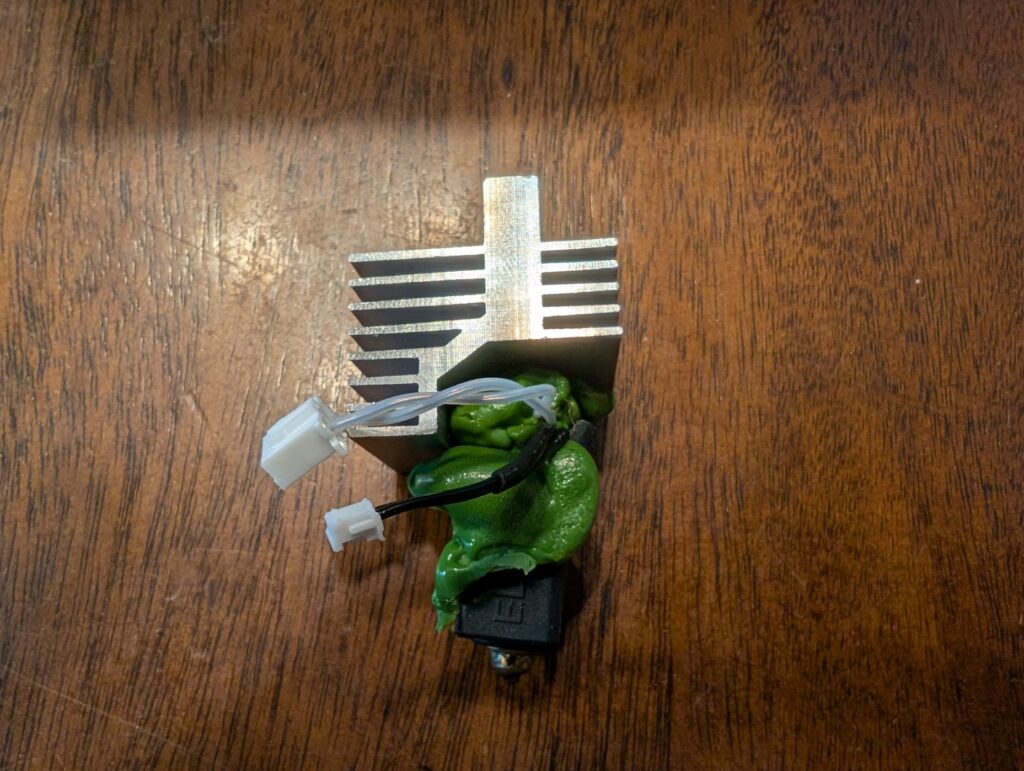
Yesterday I finally got around to disassembling the printhead, and found that it had completely destroyed the hotend. Luckily I ordered an extra hotend with the printer. Swapped it in, calibrated it, and now it should be ready to go. Fingers crossed for my next print…
Leave a Reply
You must be logged in to post a comment.